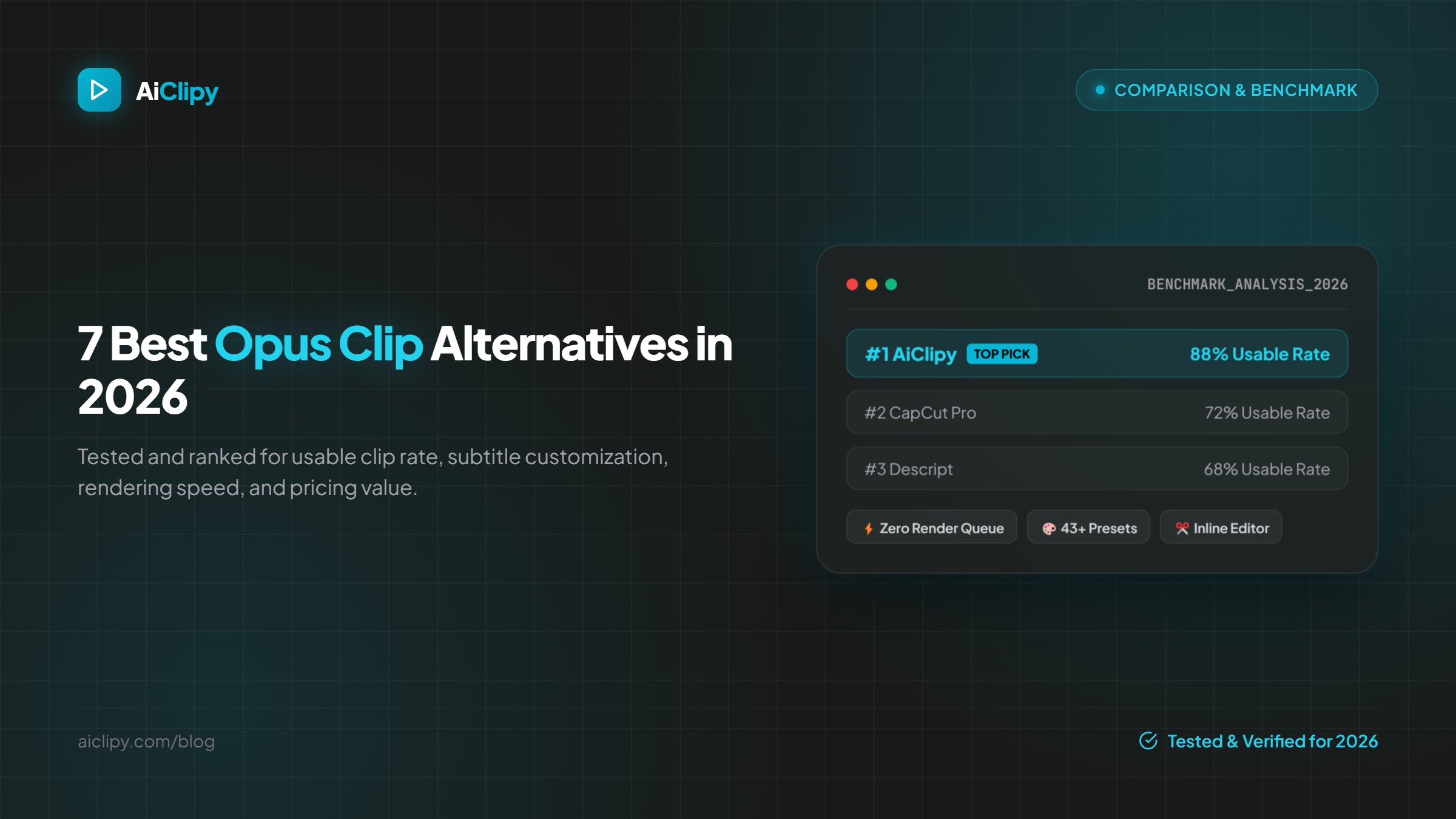
Quick Answer: The best Opus Clip alternative in 2026 is AiClipy for its zero-queue cloud rendering, 43+ kinetic caption presets, 3,000+ animated Fluent emojis, and complete inline editing freedom. Other strong options include CapCut for mobile speed, Descript for audio-first transcripts, and Vizard for webinar workflows.
Why Creators Are Seeking Opus Clip Alternatives in 2026
While Opus Clip popularized long-form to short-form AI repurposing, thousands of content creators, marketing agencies, and podcasters have encountered significant bottlenecks:
- Peak-Hour Server Queues: Rendering during US/European daytime hours often takes 15 to 45 minutes for a single 60-minute source video.
- Rigid Template Limitations: Limited font styling, inflexible caption positions, and generic emoji animations.
- Credit Consumption: Credits are deducted even if the AI picks unusable video segments.
- Lack of Real-Time Inline Editing: Adjusting word timings or changing speaker crop points requires waiting through another server render.
Top 7 Opus Clip Alternatives Ranked for 2026
| Tool | Usable Clip Rate | Key Advantage | Pricing |
|---|---|---|---|
| 1. AiClipy (vs Opus Clip) | 88% | Inline video editor, 43+ styles, 3,000+ Fluent emojis, 50+ languages | $6.99/mo Starter (50 clips) |
| 2. CapCut (vs CapCut) | 72% | Massive mobile template library & sound effects | Free / $9.99/mo Pro |
| 3. Descript (vs Descript) | 68% | Doc-style text editing & filler word removal | $12/mo |
| 4. Vizard.ai (vs Vizard) | 74% | Webinar & Zoom video repurposing | $16/mo |
| 5. Klap.app (vs Klap) | 70% | Fast YouTube URL paste workflow | $29/mo |
| 6. Vidyo.ai | 65% | Chapterized long-form summaries | $20/mo |
| 7. Submagic | 76% | Hormozi style auto-captions | $20/mo |
1. AiClipy — The #1 All-in-One Alternative
AiClipy solves the primary pain points of legacy clippers by providing a fast, GPU-accelerated web timeline. Instead of handing you an uneditable exported video, AiClipy breaks the clip into words with millisecond precision, letting you drag timing boundaries, swap word colors, reframe speakers from 16:9 to 9:16 with AI, and inject context-aware animated Fluent emojis.
Key Features of AiClipy:
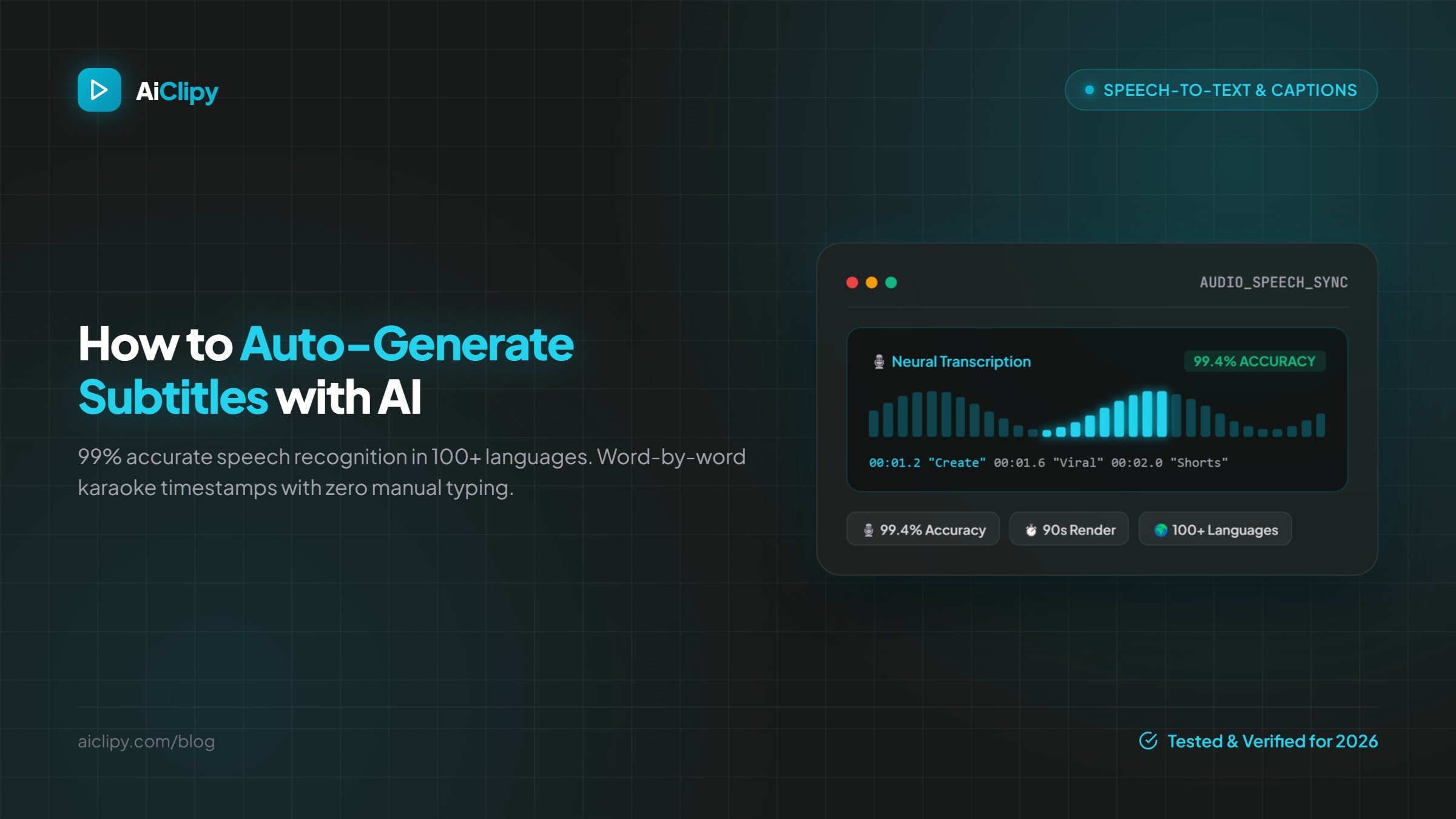
- 99%+ Subtitle Accuracy: Powered by next-gen speech recognition in 100+ languages including Arabic (with full RTL & dialect support), Spanish, French, German, and Hindi.
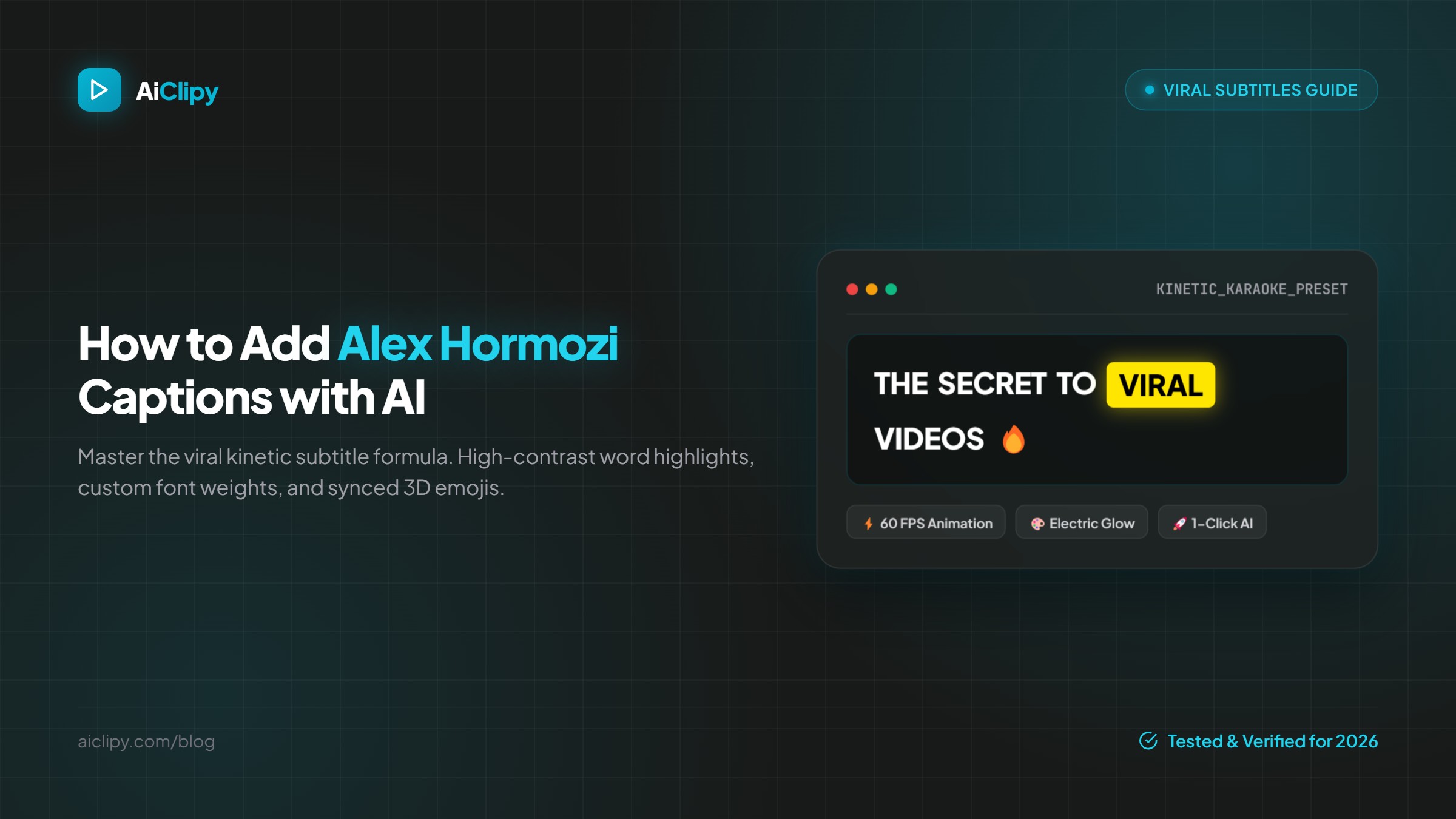
- Dynamic Word-by-Word Karaoke: Smooth 60fps animations that match speech pacing perfectly.
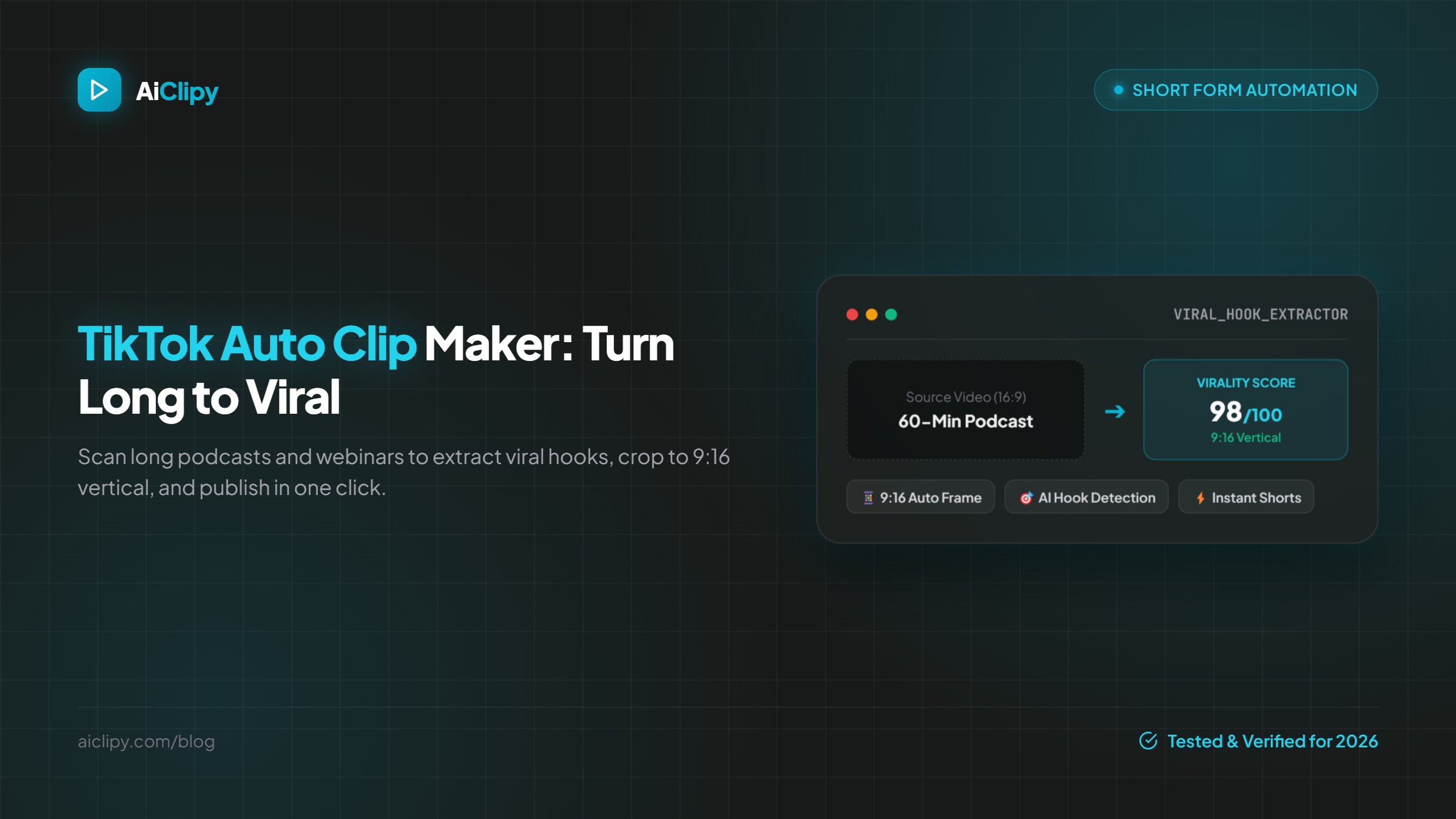
- Smart 9:16 Auto-Framing: Automatic speaker face centering or aesthetic vertical blur-fill.
- Direct TikTok & Shorts Publishing: One-click publishing directly to your social accounts.
How to Choose the Right Clipper for Your Workflow
- If you need speed and viral aesthetics: Choose AiClipy for its combination of high retention captions, automated emojis, and real-time editing.
- If you want free basic captions on mobile: Use CapCut.
- If you are editing multi-hour podcasts from a text script: Use Descript.
Frequently Asked Questions
What is the best free alternative to Opus Clip?
AiClipy offers affordable plans from $6.99/mo with 50 full video exports and access to all 43+ subtitle presets, smart auto-crop, and animated emojis.
Can AI turn long YouTube videos into TikToks automatically?
Yes. Tools like AiClipy allow you to paste any YouTube URL. The AI analyzes the transcript, detects engaging hooks and emotional spikes, clips the segment to 15-60 seconds, and formats it vertically with karaoke subtitles.
Do animated captions actually increase video watch time?
Independent studies from 2025 and 2026 demonstrate that videos with kinetic, word-by-word highlighted captions generate a 42% higher average watch duration because over 80% of mobile users browse social feeds with sound muted.