How to Make YouTube Shorts from Long Videos with an AI Shorts Maker (2026)
Last updated:
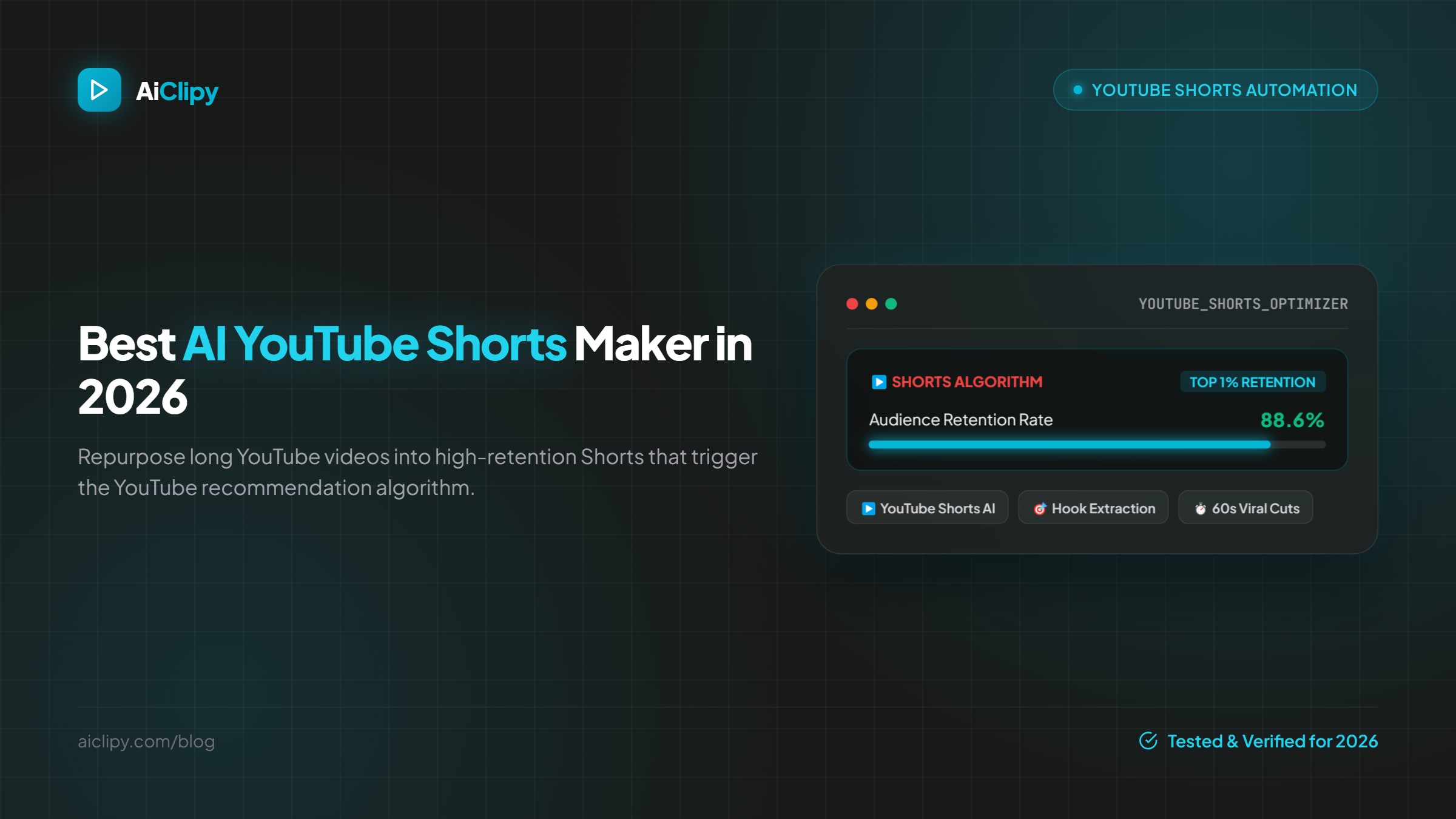
How to make YouTube Shorts from your long videos with an AI Shorts maker: picking moments, 9:16 crop, captions, titles, posting directly to YouTube, and what the Shorts feed rewards.
Quick answer: To make YouTube Shorts from a long video, paste the video's link into an AI Shorts maker such as AiClipy AI Clips, let it pick up to 10 standalone moments from the video (up to 10 hours long), check that each clip is cropped to 9:16 with readable captions, trim any slow starts, then post them directly to YouTube, about one a day. Shorts can be up to 3 minutes long.
Why make Shorts from your long videos
- Reach new viewers. The Shorts feed shows clips to people who have never visited your channel.
- Send them to the full video. YouTube lets you link a related video from a Short, so a good clip can lead to a long watch.
- Post more without filming more. One upload can give you a week or two of Shorts.
- Learn what resonates. The clips that hold attention tell you which topics deserve a full video.
What the Shorts feed rewards
YouTube doesn't publish a formula, but its creator guidance points to the same basics: viewers choosing to watch rather than swipe away, watching to the end, and coming back for more. In practice that means a hook in the first seconds, one clear idea, captions people can read without sound and no dead air. YouTube Studio shows how many viewers kept watching versus swiped away for each Short; use it to judge your hooks.
Step by step with an AI Shorts maker
- Choose the long video: interviews, tutorials, podcasts and commentary work best. AI Clips accepts 2 minutes to 10 hours.
- Paste the YouTube link (or upload the file or import it from Google Drive) into AI Clips. It uses 3 credits.
- Review up to 10 clips. Each comes with captions, a suggested title and a score. Start with the top ones.
- Trim and fix. Cut slow intros, correct caption words, and keep text out of the bottom 20% and right 15% of the frame.
- Style. Pick a caption preset (43+), add emojis or your logo.
- Publish to YouTube directly from AiClipy, or export a 1080p MP4.
Already have a short vertical video? Use AI Captions instead: animated captions, emojis and auto-crop for one video up to 15 minutes.
Titles, descriptions and links
- Title: say what the viewer gets, in a few words. Edit the AI's suggested title so it is specific.
- Description: one line of context with the main keyword.
- Related video: link the full video from the Short so interested viewers can keep watching.
- Hashtags: a few relevant ones; #Shorts is optional for vertical videos.
Monetization basics
Shorts earn from YouTube's Shorts revenue sharing once you are in the YouTube Partner Program, and they count toward the eligibility thresholds. Requirements and how the revenue pool works are explained in our YouTube Shorts monetization guide. Clips cut from your own long videos are original content; re-uploading other people's videos is not.
Should you post the same clips on TikTok and Reels?
Usually yes. All three use 9:16 at 1080 × 1920. Upload clean files without other apps' watermarks. See YouTube Shorts vs TikTok vs Instagram Reels for the differences.
Frequently Asked Questions
How long can a YouTube Short be?
Up to 3 minutes, in a vertical or square format.
How many Shorts should I post?
Post at a pace you can keep. One a day from a batch of clips is a common rhythm; quality and hooks matter more than volume.
Does turning long videos into Shorts hurt my channel?
No. It is a common way to bring new viewers to your long videos.
Can AiClipy post Shorts directly to YouTube?
Yes. Connect your YouTube account and publish from AiClipy. You can also post to TikTok.
What does the AI Shorts maker cost?
AI Clips uses 3 credits per long video and unlocks with any one-time credit pack, from $9 for 25 credits. Credits never expire.
Ready to Create Viral Videos?
Add animated AI captions, auto-crop to 9:16 and turn long videos into short clips for TikTok, Reels and Shorts. New accounts get 1 free credit (free-credit exports include an AiClipy watermark; any credit pack removes it), and credits never expire.
Written by AiClipy Team
The AiClipy team builds AiClipy, an AI tool for animated captions and turning long videos into short clips. We write practical guides on short-form video; product facts are checked against the app, and posts about tools say when a price or feature was last checked.
Related Posts
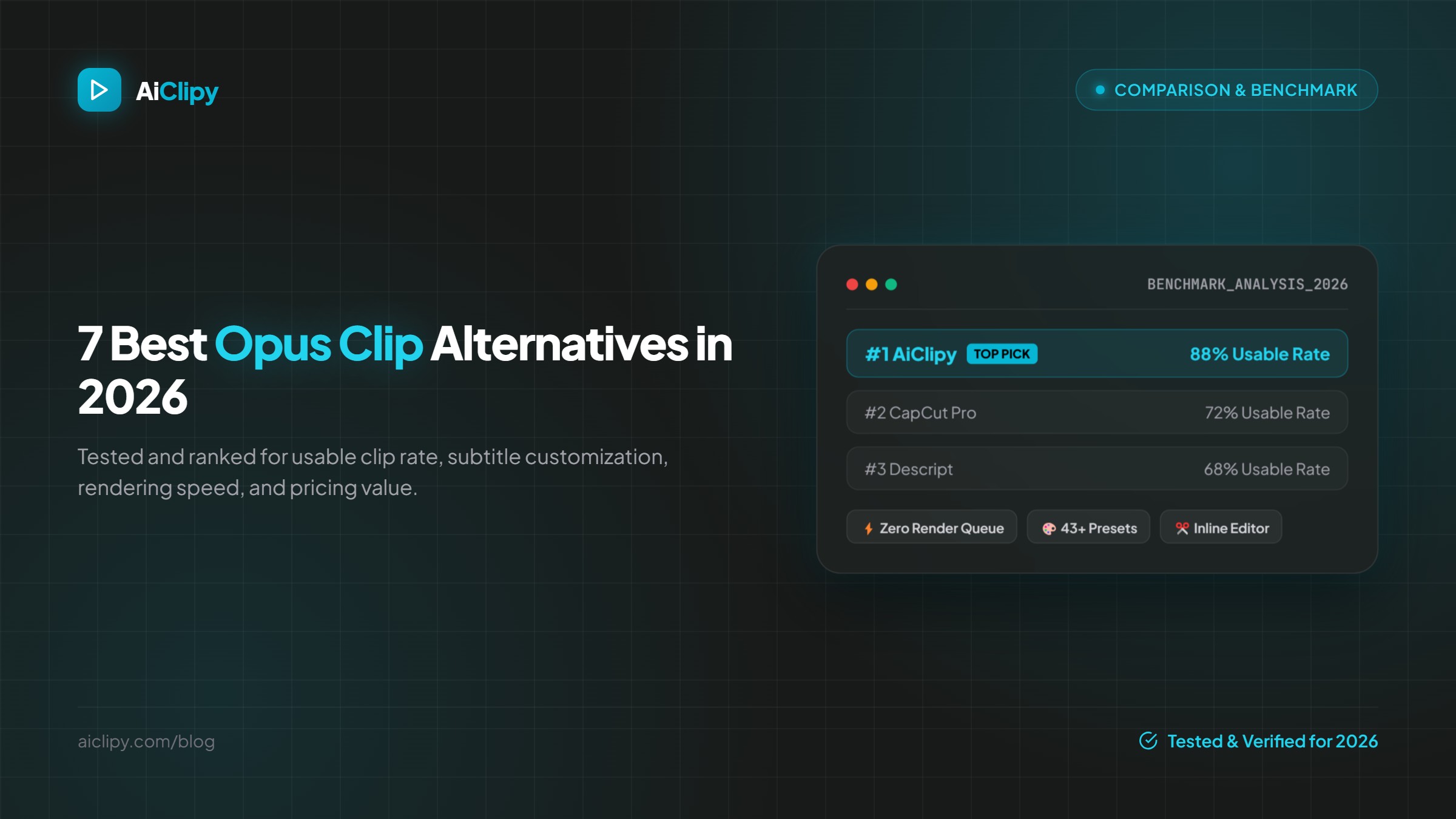
7 Best Opus Clip Alternatives in 2026 (Pricing & Features Compared)
The best Opus Clip alternatives in 2026 compared on pricing, free plans, watermarks, caption styles and editing control: AiClipy, Submagic, Klap, Vizard, quso.ai, Descript and CapCut.
TikTok Auto Clip Maker: Turn Long Videos into TikToks with AI (2026)
How an AI auto clip maker turns a podcast, stream or YouTube video into TikToks: what it does, a step-by-step workflow, TikTok-specific settings, costs and limits.