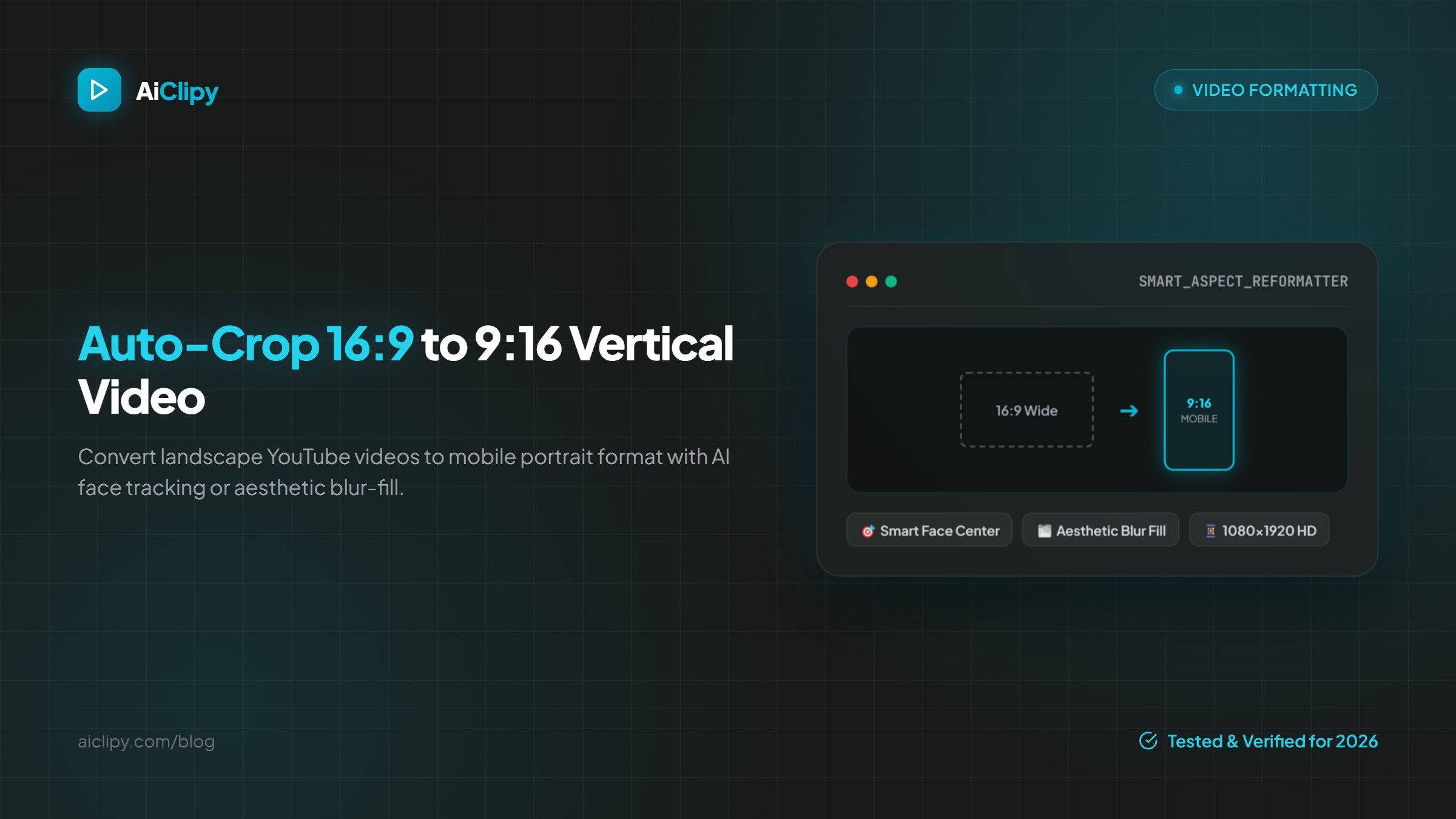
Direct Answer: To auto-crop 16:9 horizontal videos into 9:16 vertical shorts, use an AI video reframing tool like AiClipy. You can choose between Smart Face Centering (which detects and tracks the speaker) or Aesthetic Blur Fill (which stacks the widescreen video over an immersive blurred background).
The Challenge of Repurposing 16:9 Video for Mobile
Uploading raw landscape 16:9 videos to TikTok or Instagram Reels results in black pillarbox bars on top and bottom, occupying only 33% of the smartphone screen. This triggers immediate swipes and severe algorithmic penalties. Fully vertical 9:16 videos generate up to 40% higher completion rates.
The Two Best Methods to Convert Landscape to Portrait
| Method | How It Works | Best For |
|---|---|---|
| 1. Smart Face Center Crop | AI tracks speaker faces and punches in to fill the 1080x1920 canvas | Interviews, talking head videos, vlogs, solo presentations |
| 2. Aesthetic Blur Fill | Places the 16:9 video in the center and fills top/bottom with frosted blurred background | Product demos, screen shares, sports clips, movie scenes |
How to Reframe in AiClipy in 3 Steps
- Upload your horizontal video to AiClipy's TikTok Video Editor.
- In the Crop tab, select 9:16 Mobile (or toggle Blur Fill).
- Preview the framing instantly in real-time, adjust the horizontal crop anchor if desired, and export in 1080p.
Frequently Asked Questions
Does cropping lower the video resolution?
AiClipy uses bicubic HD scaling to ensure the cropped vertical output renders in crisp 1080x1920 resolution suitable for high-definition mobile playback.
What happens if there are two speakers talking?
With Blur Fill mode, both speakers remain completely visible in the frame without any awkward pan-and-scan camera swings.