

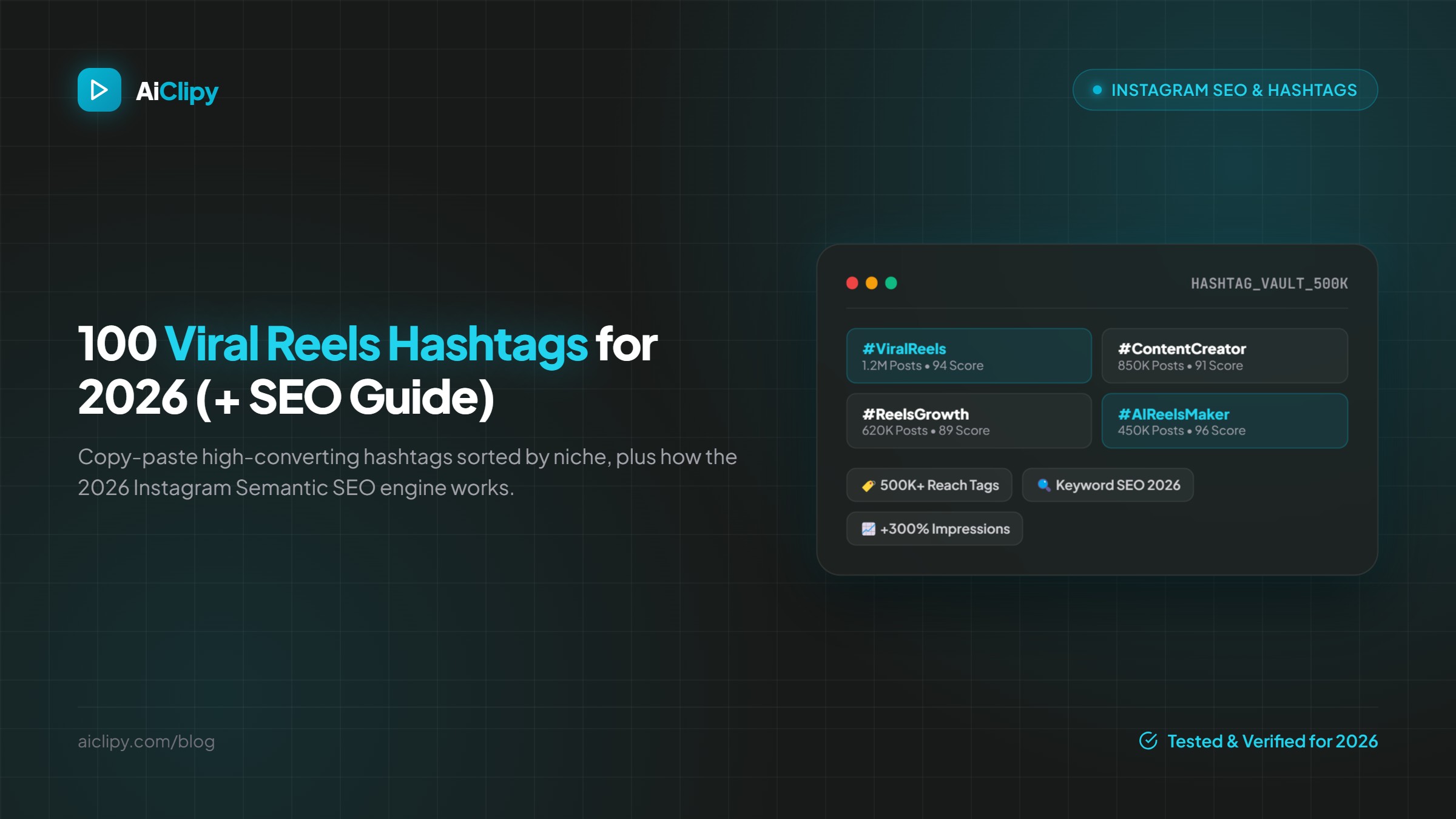
100 Instagram Reels Hashtags by Niche for 2026 (and How to Use the 5-Hashtag Limit)
Last updated:
100 Instagram Reels hashtags in 10 niches, plus how hashtags work on Instagram in 2026: the 5-hashtag limit, why keywords in captions matter more, and how to pick the right 3 to 5.
Quick answer: Since December 2025, Instagram allows up to 5 hashtags per post or Reel. Pick 3 to 5 specific tags that describe the video (topic, niche, format), skip generic ones like #reels or #explore, and put your main keywords in the caption and on-screen text, because Instagram uses them to understand and surface your Reel in search. Below are 100 hashtags in 10 niches to choose from.
How hashtags work on Instagram in 2026
- Limit: 5 hashtags per post or Reel, counting the caption and comments together.
- Purpose: hashtags help Instagram categorize content and help people find it in search. Instagram's head Adam Mosseri has said they don't increase reach by themselves.
- Relevance wins: Instagram advises using specific, relevant tags rather than broad ones like #reels or #explore.
- Keywords matter: write a caption that says what the Reel is about in plain words, and show the topic in on-screen text.
How to choose your 3 to 5 hashtags
- 1 topic tag: what the Reel is about (for example #mealprep).
- 1 or 2 niche tags: who it is for (#mealprepforbeginners, #highproteinmeals).
- 1 format or community tag if it fits (#recipeoftheday).
- 1 branded or local tag if you have one (#yourbrandname, #austinfoodie).
Rotate tags across posts so you don't paste the same 5 every time, and check each tag's search results first to make sure it matches your content.
100 Reels hashtags by niche
1. Content creation and video editing
#contentcreator #contentcreation #videoediting #videoeditor #reelstips #instagramtips #creatortips #captiontips #shortformvideo #socialmediatips
2. AI and tech
#aitools #artificialintelligence #aivideo #techtips #productivitytools #techreview #gadgets #chatgpt #nocode #futuretech
3. Business and marketing
#smallbusiness #entrepreneur #marketingtips #digitalmarketing #socialmediamarketing #branding #businesstips #startup #sidehustle #emailmarketing
4. Fitness
#fitness #workout #gymtips #homeworkout #strengthtraining #fitnesstips #legday #fitnessmotivation #running #pilates
5. Food and recipes
#recipe #easyrecipes #mealprep #healthyrecipes #highproteinmeals #foodie #homecooking #airfryerrecipes #dinnerideas #baking
6. Beauty and skincare
#skincare #skincareroutine #makeuptutorial #beautytips #makeup #haircare #hairtutorial #nailart #grwm #cleanbeauty
7. Travel
#travel #traveltips #travelguide #budgettravel #solotravel #roadtrip #hiddengems #weekendgetaway #vanlife #travelvlog
8. Real estate and home
#realestate #realtor #homebuying #firsttimehomebuyer #hometour #interiordesign #homedecor #diyhome #househunting #realestatetips
9. Personal finance
#personalfinance #moneytips #budgeting #savingmoney #investingforbeginners #financialliteracy #debtfree #frugalliving #creditscore #retirementplanning
10. Education and learning
#learnsomethingnew #studytips #languagelearning #learnenglish #edutok #teachersofinstagram #studymotivation #lifehacks #science #history
Hashtag mistakes to avoid
- Using more than 5. Instagram now limits it.
- Generic tags such as #reels, #viral, #explore or #fyp that say nothing about the content.
- Tags that don't match the video. They bring the wrong viewers, who swipe away.
- Relying on hashtags instead of content. A strong hook, readable captions and a clear topic matter far more.
Make the Reel itself searchable
Say the topic in the first seconds and show it as on-screen text. Animated captions make that text visible to viewers watching on mute; AiClipy adds them automatically (43+ presets, caption translation into 45+ languages) and exports a 1080 × 1920 file for Reels. For the full workflow, read how to make Instagram Reels that get views.
Frequently Asked Questions
How many hashtags can you use on Instagram Reels in 2026?
Up to 5 per post or Reel, counting hashtags in the caption and comments together.
Do hashtags still help on Instagram?
They help Instagram categorize your Reel and help people find it in search, but they don't boost reach on their own. Content and watch time matter more.
Should hashtags go in the caption or comments?
Put them in the caption, along with a plain-language description of the Reel.
Should I use #reels or #explore?
No. Instagram recommends specific, relevant tags over broad ones like these.
Can I use the same hashtags on TikTok?
Many niche tags work on both, but check TikTok search for each tag and adapt to what is popular there.
Ready to Create Viral Videos?
Add animated AI captions, auto-crop to 9:16 and turn long videos into short clips for TikTok, Reels and Shorts. New accounts get 1 free credit (free-credit exports include an AiClipy watermark; any credit pack removes it), and credits never expire.
Written by AiClipy Team
The AiClipy team builds AiClipy, an AI tool for animated captions and turning long videos into short clips. We write practical guides on short-form video; product facts are checked against the app, and posts about tools say when a price or feature was last checked.
Related Posts
How to Create an SRT File From Any Video (2026)
Create an SRT subtitle file from any video: generate it automatically with AI, export SRT, VTT and 5 other formats, or write one by hand. Plus upload and troubleshooting tips.
How to Burn Subtitles Into a Video (Hardcoded Captions)
Burned-in vs closed captions explained, when to hardcode subtitles for TikTok, Reels and Shorts, and step-by-step ways to burn subtitles into a video with AiClipy, HandBrake or FFmpeg.