AI Podcast Clipper: How to Turn 1 Episode into 10 Shorts in 2026
Last updated:
Turn a podcast episode of up to 10 hours into up to 10 vertical shorts with AI. A step-by-step workflow for clipping, captioning, framing speakers and publishing podcast clips in 2026.
Quick answer: An AI podcast clipper turns a long episode into short vertical clips. With AiClipy, upload an episode of up to 10 hours (or paste its YouTube link) and AI Clips finds up to 10 strong moments, crops them to 9:16 and adds animated captions, ready for you to review and export. It uses 3 credits and unlocks with any credit pack.
Why podcasters clip their episodes into shorts
New shows are hard to discover inside podcast apps. Short vertical clips on TikTok, YouTube Shorts and Instagram Reels put your best moments in front of people who have never heard of the show, and each clip can point them to the full episode.
1 episode vs up to 10 shorts
| Strategy | Output per episode | Editing work |
|---|---|---|
| Full episodes only | 1 long episode | Edit the episode only |
| Manual clipping | As many clips as you have time to cut | Find moments, crop, caption and export each clip by hand |
| AI clipping (AiClipy AI Clips) | Up to 10 vertical clips | Review, adjust and export the clips the AI picked |
What a good AI podcast clipper should do
1. Find moments that stand on their own
The clipper should read the transcript and pick stretches with a hook, one idea and a clean ending: a story, a strong opinion, a useful tip or a funny exchange. AiClipy suggests a title and a score for each clip so you know where to start.
2. Frame speakers vertically
Most podcasts are recorded in 16:9. For a single speaker, a 9:16 crop works well; you can move the crop window to keep them in frame. When two people need to be on screen at the same time, use blur fill to keep the whole wide shot. See how to convert 16:9 to 9:16.
3. Add readable captions
Many viewers scroll with the sound off. Bold, word-by-word captions in the safe zone help them follow the conversation. AiClipy has 43+ caption presets and can add emojis on key words.
4. Make review easy
Names, guests' companies and jargon are where speech recognition slips. A good clipper lets you fix words and trim clip starts before export.
Step by step: a 60-minute episode into up to 10 shorts
- Import your episode: paste the YouTube URL, import from Google Drive, or upload the MP4/MOV recording (up to 10 hours) to AiClipy's podcast to Shorts clipper.
- Let the AI pick the moments: AI Clips finds up to 10 standalone moments and turns each into a vertical clip with captions.
- Review: start with the top-scored clips, trim slow starts, and fix any misheard names.
- Style: pick a caption style, your brand colors and logo.
- Export or post: export 1080p MP4s, or post directly to TikTok and YouTube. Any credit pack removes the watermark.
- Schedule: post about one clip a day until the next episode, each pointing to the full episode.
The same workflow works for webinars, interviews and sermons; see how to turn a long video into Shorts.
Tips for better podcast clips
- Record video, even a simple webcam. Audio-only clips are much harder to make engaging.
- Separate microphones for each speaker give cleaner audio and captions.
- Frame each speaker so a vertical crop is easy later.
- Get guest consent for clips in your recording agreement.
- Write a hook title for each clip based on the AI's suggestion.
Frequently Asked Questions
What is the best clip length for podcast shorts?
Many podcast clips land between about 30 and 60 seconds. That gives you time to set up a hook and deliver a takeaway before viewers drift away.
Can an AI podcast clipper handle accents and other languages?
In most cases, yes. AiClipy transcribes with a Whisper speech-recognition model that handles many languages and a wide range of accents. Accuracy still depends on audio quality, so review the captions before you export.
How do I show two speakers in a vertical clip?
Use blur fill to keep the full wide shot visible, or crop to whoever is speaking in that clip.
Do I need expensive camera equipment for podcast shorts?
No. Standard 1080p webcam or Zoom recordings can be cropped to vertical and captioned. Higher-resolution recordings stay sharper after cropping.
How much does AI podcast clipping cost?
AI Clips uses 3 credits per episode and needs any one-time credit pack, from $9 for 25 credits. Credits never expire.
Ready to Create Viral Videos?
Add animated AI captions, auto-crop to 9:16 and turn long videos into short clips for TikTok, Reels and Shorts. New accounts get 1 free credit (free-credit exports include an AiClipy watermark; any credit pack removes it), and credits never expire.
Written by AiClipy Team
The AiClipy team builds AiClipy, an AI tool for animated captions and turning long videos into short clips. We write practical guides on short-form video; product facts are checked against the app, and posts about tools say when a price or feature was last checked.
Related Posts
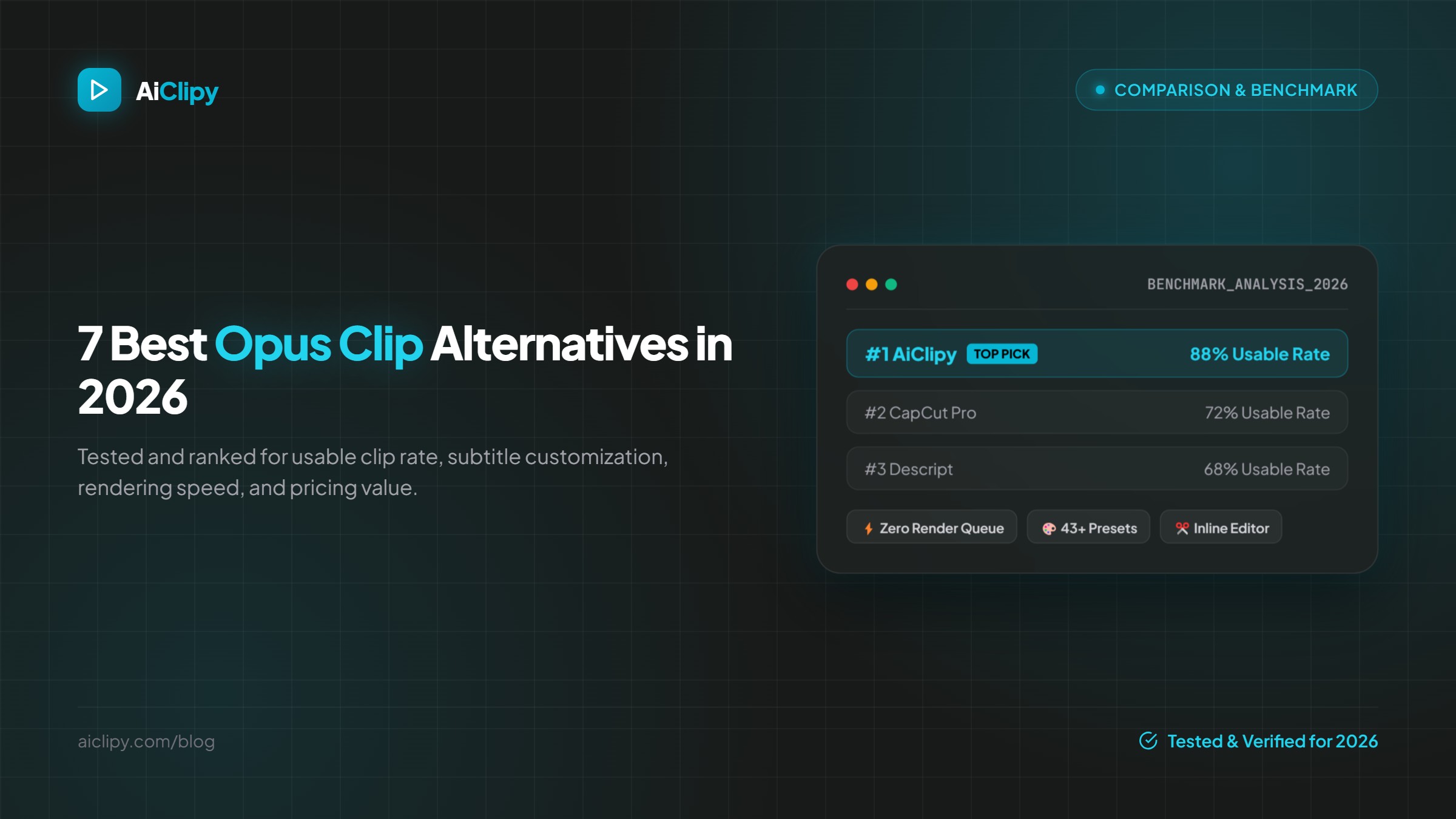
7 Best Opus Clip Alternatives in 2026 (Pricing & Features Compared)
The best Opus Clip alternatives in 2026 compared on pricing, free plans, watermarks, caption styles and editing control: AiClipy, Submagic, Klap, Vizard, quso.ai, Descript and CapCut.
TikTok Auto Clip Maker: Turn Long Videos into TikToks with AI (2026)
How an AI auto clip maker turns a podcast, stream or YouTube video into TikToks: what it does, a step-by-step workflow, TikTok-specific settings, costs and limits.