Best AI Video Tools for B2B & SaaS Marketing in 2026: Repurposing Demos & Webinars
Last updated:
Which AI video tools B2B and SaaS marketing teams use to turn webinars, demos and podcasts into LinkedIn and short-form clips, with a repurposing playbook and what each tool is best for.
Quick answer: B2B and SaaS teams usually need three kinds of AI video tools: a clipper to turn webinars, demos and podcasts into short clips (for example AiClipy), a transcript editor for polishing long recordings (Descript), and an avatar tool for scripted explainers without filming (Synthesia or HeyGen). Most teams get the fastest return from clipping recordings they already have.
Written by the AiClipy team (AiClipy is our product). Prices were checked in November 2026 where shown; confirm current plans on each vendor's site.
Why repurpose webinars and demos
- You already paid for the content. A one-hour webinar holds many short, useful moments. See how to turn a Zoom recording into Shorts and LinkedIn clips.
- Buyers research on social. Short clips on LinkedIn, YouTube and X put your expertise in front of them between campaigns.
- Sales enablement. Short clips answering common objections are easy to share in follow-ups.
- Consistency. One recording can feed a steady posting schedule.
AI video tools for B2B teams compared
| Tool | Best for | Pricing model |
|---|---|---|
| AiClipy | Turning webinars, demos and podcasts into captioned clips; captions and translation | One-time credit packs, $9 to $99; credits never expire |
| Descript | Editing long recordings by transcript, audio cleanup | From $24/user/month ($16 billed yearly); free plan |
| Vizard | Webinar clipping for teams | Subscription; free plan with watermark |
| Synthesia | Avatar-led training and explainer videos | Subscription; check current plans |
| Vidyard | Personalized sales videos and screen recordings | Free and paid plans; check current plans |
How AiClipy fits a B2B workflow
- AI Clips: a webinar or podcast of up to 10 hours becomes up to 10 clips with captions, suggested titles and scores (3 credits).
- AI Captions: for a demo or talk up to 15 minutes, add animated captions (43+ presets), your logo and an auto-crop.
- Formats: 1:1 or 4:5 for the LinkedIn feed, 9:16 for Shorts and TikTok, 16:9 for YouTube and your site.
- Translation: captions in 45+ languages for international markets.
- Publishing: post directly to YouTube and TikTok; export MP4s for LinkedIn and X.
Limits: there is no shared team workspace yet (each account has its own projects and credits), and AiClipy does not post directly to LinkedIn.
The repurposing playbook: 1 webinar into a month of clips
- The myth-buster: the moment a speaker challenges a common belief in your industry.
- The how-to: a 45 to 90 second explanation of one concrete step.
- The product moment: a short screen-share showing one feature solving one problem. Use blur fill if the screen needs to stay readable in vertical.
- The customer voice: a real customer explaining their result in their own words, with their permission.
- The founder point of view: a clear opinion about where the market is going.
- The Q&A answer: one audience question answered well, which doubles as a sales follow-up clip.
Step-by-step workflow: how to turn a long video into Shorts. For converting screen recordings, see 16:9 to 9:16 conversion.
Best practices for B2B clips
- Open with the business problem, not the speaker's introduction.
- Burn in captions: many professionals watch at work with the sound off.
- Use brand colors and a logo consistently.
- Get approvals from speakers and customers who appear in clips.
- Measure what matters: profile visits, demo requests and influenced pipeline, not just views.
See also LinkedIn video maker and short-form video for small businesses.
Frequently Asked Questions
Do B2B clips work on LinkedIn without sound?
Captions are essential, since many people watch in the feed without sound. Burned-in captions keep the message clear either way.
How long should a B2B LinkedIn video be?
Long enough to make one point well, often under 90 seconds for feed clips. Open with the problem in the first seconds.
What video size should I use for LinkedIn?
1:1 (1080 × 1080) or 4:5 (1080 × 1350) take up the most space in the feed; vertical is supported too.
Does AiClipy support team collaboration?
Not as a shared team workspace yet: each account has its own projects and credits. Exports from any credit pack are 1080p with no watermark.
Can AiClipy post to LinkedIn?
Not directly. Export the MP4 in 1:1 or 4:5 and upload it to LinkedIn. Direct posting is available for TikTok and YouTube.
Ready to Create Viral Videos?
Add animated AI captions, auto-crop to 9:16 and turn long videos into short clips for TikTok, Reels and Shorts. New accounts get 1 free credit (free-credit exports include an AiClipy watermark; any credit pack removes it), and credits never expire.
Written by AiClipy Team
The AiClipy team builds AiClipy, an AI tool for animated captions and turning long videos into short clips. We write practical guides on short-form video; product facts are checked against the app, and posts about tools say when a price or feature was last checked.
Related Posts
Zoom Recording to Shorts: Webinar Clips for LinkedIn
How to turn a Zoom recording into short webinar clips for LinkedIn, YouTube Shorts and Reels: consent, recording settings, an AI clipping workflow, a posting plan and what to measure.
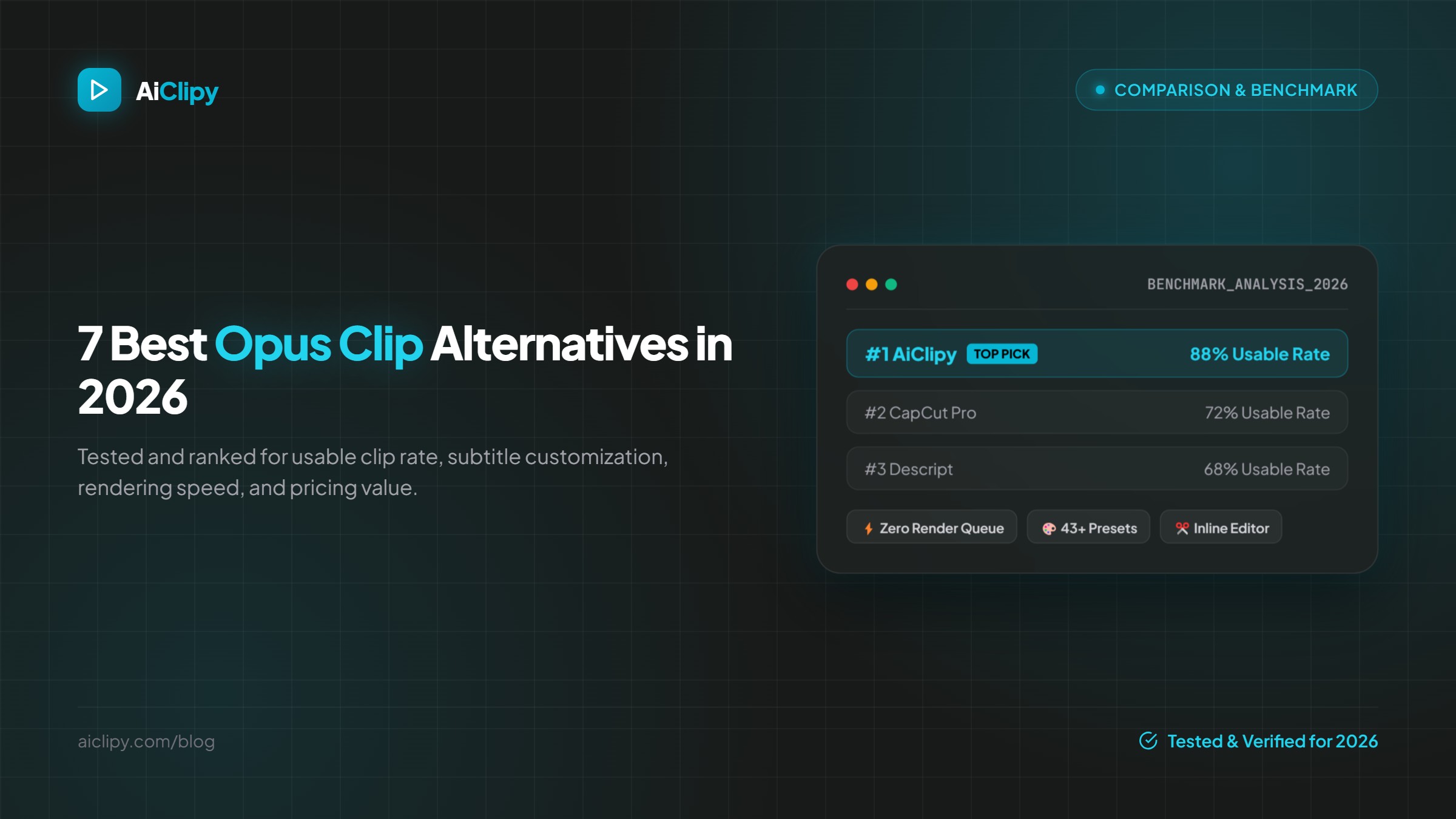
7 Best Opus Clip Alternatives in 2026 (Pricing & Features Compared)
The best Opus Clip alternatives in 2026 compared on pricing, free plans, watermarks, caption styles and editing control: AiClipy, Submagic, Klap, Vizard, quso.ai, Descript and CapCut.