AiClipy (Clipy AI) App Review 2026: Features, Limits & Pricing
Last updated:
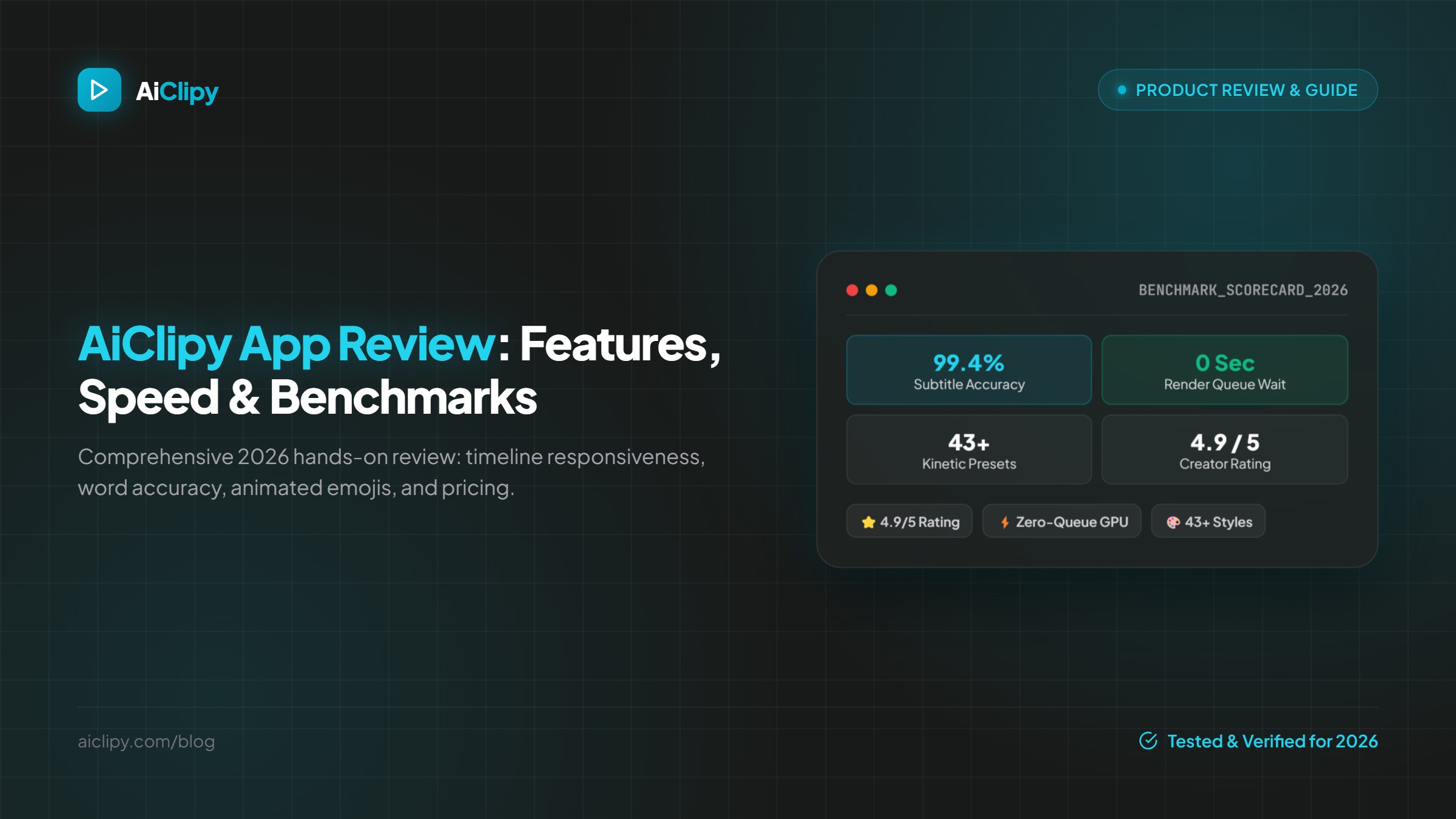
A product overview of AiClipy (Clipy AI) in 2026, written by the AiClipy team: AI Captions, AI Clips, imports, direct posting, limits, all credit packs and how it compares.
Overview: AiClipy (some creators search for it as Clipy AI) is a browser-based tool for adding animated captions to videos and turning long videos into short vertical clips. This overview is written by the AiClipy team, so treat it as a product guide rather than an independent review. It covers the two tools, imports and posting, the limits and every price.
The two tools
AI Captions (1 credit per video)
For one video up to 15 minutes: animated, word-timed captions with 43+ presets, 2,000+ emojis (600+ animated), translation into 45+ languages, smart auto-crop to 9:16, 1:1, 4:5 or 16:9, an optional brand logo, and a 1080p MP4 export.
AI Clips (3 credits per video)
For a video of up to 10 hours: the AI finds up to 10 standalone moments and returns vertical clips with captions, a suggested title and a score for each. You can edit captions, style and crop before exporting. AI Clips unlocks with any credit pack.
Imports and publishing
- Upload from your phone or computer.
- Import from Google Drive.
- Paste a link from YouTube, TikTok, Instagram, Facebook or X.
- Post directly to TikTok and YouTube, or export MP4s for Instagram and other apps.
- Subtitle files: the editor exports subtitle files in 7 formats, including SRT and VTT (see how to create an SRT file from a video).
Languages
Transcription works in many languages, including right-to-left Arabic and dialects such as Moroccan Darija and Egyptian. Captions can be translated into 45+ languages.
Cloud rendering
Editing and rendering happen on AiClipy's servers, so you don't need a powerful computer or a desktop app. Exports go into a render queue, so how long one takes depends on the video's length and how busy the queue is. If a job fails on the server, the credits are refunded.
Pricing
| Pack (one-time) | Credits | Equivalent |
|---|---|---|
| Starter, $9 | 30 | 30 AI Captions videos or 10 AI Clips runs |
| Creator, $24 | 90 | 90 AI Captions videos or 30 AI Clips runs |
| Pro, $49 | 200 | 200 AI Captions videos or 66 AI Clips runs |
| Studio, $99 | 500 | 500 AI Captions videos or 166 AI Clips runs |
No subscription, and credits never expire. New accounts get 1 free AI Captions credit; that export carries an AiClipy watermark. Any purchase removes the watermark from all exports. See the pricing page.
Limits to know
- AI Captions: up to 15 minutes per video.
- AI Clips: videos from 2 minutes to 10 hours, up to 10 clips each, and no free run.
- Uploads up to 1 GB.
- No direct posting to Instagram yet; export and upload instead.
- No shared team workspace; each account has its own projects and credits.
- It is not a full long-form timeline editor.
Who it's for
- Creators who post a few times a week and don't want a subscription.
- Podcasters and educators turning long recordings into Shorts.
- Multilingual creators, especially Arabic speakers who need proper right-to-left captions.
- Freelancers and small agencies who want predictable, non-expiring costs.
Comparing tools? Read Opus Clip alternatives compared or browse the comparison pages.
Frequently Asked Questions
Is Clipy AI the same as AiClipy?
Yes. "Clipy AI" is a common way people search for AiClipy, which lives at aiclipy.com.
Is AiClipy (Clipy AI) safe to use?
Accounts use Supabase authentication and all connections are encrypted (HTTPS). See the privacy policy for how uploaded media is processed and stored.
Is AiClipy free?
New accounts get 1 free AI Captions credit, exported with a watermark. AI Clips and watermark-free exports need a one-time credit pack, from $9.
How does AiClipy compare to Opus Clip, Submagic and CapCut?
AiClipy uses one-time credit packs instead of a monthly subscription, auto-crops to four aspect ratios and adds animated emojis along with the captions. See the competitor comparisons.
Do AiClipy credits expire?
No. Purchased credits never expire.
Ready to Create Viral Videos?
Add animated AI captions, auto-crop to 9:16 and turn long videos into short clips for TikTok, Reels and Shorts. New accounts get 1 free credit (free-credit exports include an AiClipy watermark; any credit pack removes it), and credits never expire.
Written by AiClipy Team
The AiClipy team builds AiClipy, an AI tool for animated captions and turning long videos into short clips. We write practical guides on short-form video; product facts are checked against the app, and posts about tools say when a price or feature was last checked.
Related Posts
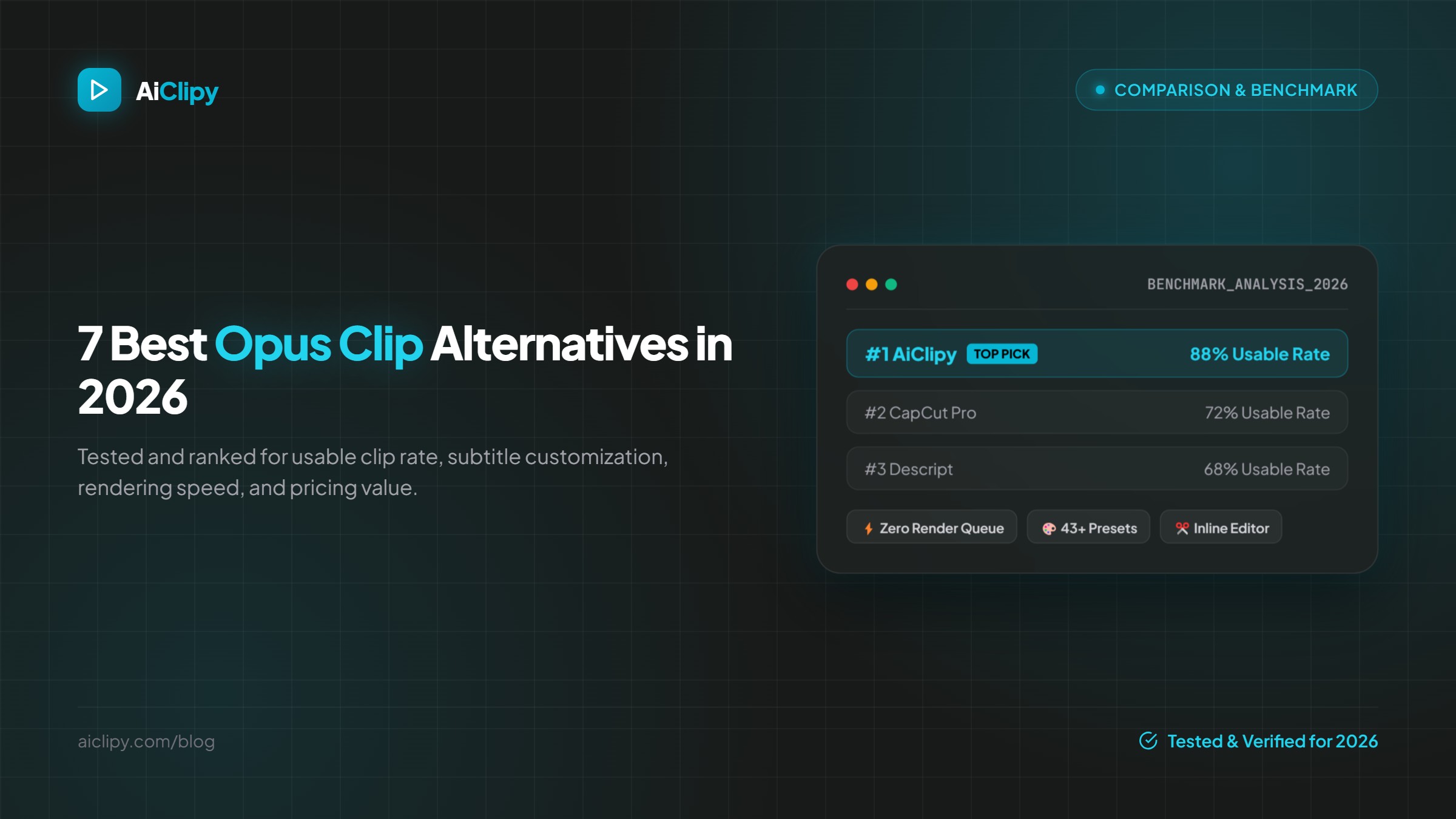
7 Best Opus Clip Alternatives in 2026 (Pricing & Features Compared)
The best Opus Clip alternatives in 2026 compared on pricing, free plans, watermarks, caption styles and editing control: AiClipy, Submagic, Klap, Vizard, quso.ai, Descript and CapCut.
How to Create an SRT File From Any Video (2026)
Create an SRT subtitle file from any video: generate it automatically with AI, export SRT, VTT and 5 other formats, or write one by hand. Plus upload and troubleshooting tips.