
Social Media Video Sizes 2026: TikTok, Reels, Shorts, Facebook, LinkedIn & X (Cheat Sheet)
Last updated:
The exact video size and aspect ratio for TikTok, Instagram Reels, YouTube Shorts, YouTube, Facebook, LinkedIn and X in 2026, plus caption safe zones and how to resize one video for all of them in minutes.
Quick answer: For TikTok, Instagram Reels and YouTube Shorts use 1080 × 1920 (9:16). For the Facebook and Instagram feed use 1080 × 1350 (4:5). For LinkedIn use 1080 × 1080 (1:1) or 4:5. For YouTube and X use 1920 × 1080 (16:9). Keep captions and faces away from the bottom and right edges, where the app buttons sit.
Video size cheat sheet (2026)
| Platform | Best aspect ratio | Resolution | Notes |
|---|---|---|---|
| TikTok | 9:16 | 1080 × 1920 | Full-screen vertical. Short videos are easiest to watch to the end. |
| Instagram Reels | 9:16 | 1080 × 1920 | The profile grid shows a 3:4 crop, so keep the key subject in the middle. |
| YouTube Shorts | 9:16 | 1080 × 1920 | Vertical or square videos up to 3 minutes are treated as Shorts. |
| Facebook Reels | 9:16 | 1080 × 1920 | Same file as your TikTok or Reel works well. |
| Facebook / Instagram feed | 4:5 | 1080 × 1350 | Takes more of the screen than square or landscape. |
| 1:1 or 4:5 | 1080 × 1080 | Vertical is supported too; square is the safest in the feed. | |
| X (Twitter) | 16:9 or 1:1 | 1920 × 1080 | Landscape fills the timeline card; square works on mobile. |
| YouTube (long-form) | 16:9 | 1920 × 1080 or 3840 × 2160 | Upload the highest quality you have. |
What are caption safe zones?
On vertical apps, the username, description, like, comment and share buttons cover parts of your video. If your captions sit behind them, people can't read them and swipe away. A simple rule that works on TikTok, Reels and Shorts:
- Keep text out of the bottom 20% of the frame (description and music line).
- Keep text out of the right 15% (the button column).
- Keep text out of the top 10% (search bar and tabs).
- Place captions around the lower third, centered, in large bold letters.
AiClipy's caption styles are placed inside this safe zone by default, and you can drag them anywhere in the editor.
How to resize one video for every platform
Most creators film once and post everywhere. The problem: a 16:9 video with a simple crop cuts off the speaker, and black bars make the video look small and get skipped. Here is a faster workflow:
- Upload or paste a link to your video in AiClipy. It accepts most video and audio formats and converts them automatically.
- Pick the format: 9:16, 4:5, 1:1 or 16:9. Smart auto-crop frames the shot; drag the crop or switch to blur fill if someone drifts out of frame (see how to convert 16:9 to 9:16).
- Add captions and emojis in one click, with caption translation into 45+ languages.
- Export and repeat with another format for the next platform. Credits never expire, so there is no monthly plan to keep paying.
Have a long video, like a podcast or a webinar? AI Clips finds up to 10 of the best moments in a video of up to 10 hours and turns each one into a vertical clip you can edit and export.
Common mistakes that cost views
- Posting landscape video on TikTok or Reels. It shows up small with black bars and is easy to scroll past.
- Exporting at low resolution. Always export 1080p; the apps compress your upload again.
- Captions too small or in the wrong place. Most people watch without sound, so captions need to be big and readable.
- Re-uploading the same file everywhere. Use the right size for each app, and export a clean file each time.
Next steps: how to get more views on TikTok, YouTube Shorts vs TikTok vs Reels and how to make Instagram Reels that get views.
Frequently Asked Questions
What is the best video size for TikTok in 2026?
1080 × 1920 pixels, a 9:16 vertical video. The same file works for Instagram Reels, YouTube Shorts and Facebook Reels.
Can I use the same video for Reels, Shorts and TikTok?
Yes. All three use 9:16 at 1080 × 1920. Keep captions in the safe zone so they aren't hidden by the buttons on any of the apps.
What size should a LinkedIn video be?
Square 1080 × 1080 (1:1) or 1080 × 1350 (4:5) works best in the feed. Vertical video is also supported.
How do I turn a horizontal video into a vertical one without cutting off the speaker?
Use an auto-crop tool. In AiClipy, choose 9:16 and smart auto-crop frames the shot; drag the crop window to keep the speaker in frame, or use blur fill when two people or a screen recording must stay fully visible.
Ready to Create Viral Videos?
Add animated AI captions, auto-crop to 9:16 and turn long videos into short clips for TikTok, Reels and Shorts. New accounts get 1 free credit (free-credit exports include an AiClipy watermark; any credit pack removes it), and credits never expire.
Written by AiClipy Team
The AiClipy team builds AiClipy, an AI tool for animated captions and turning long videos into short clips. We write practical guides on short-form video; product facts are checked against the app, and posts about tools say when a price or feature was last checked.
Related Posts
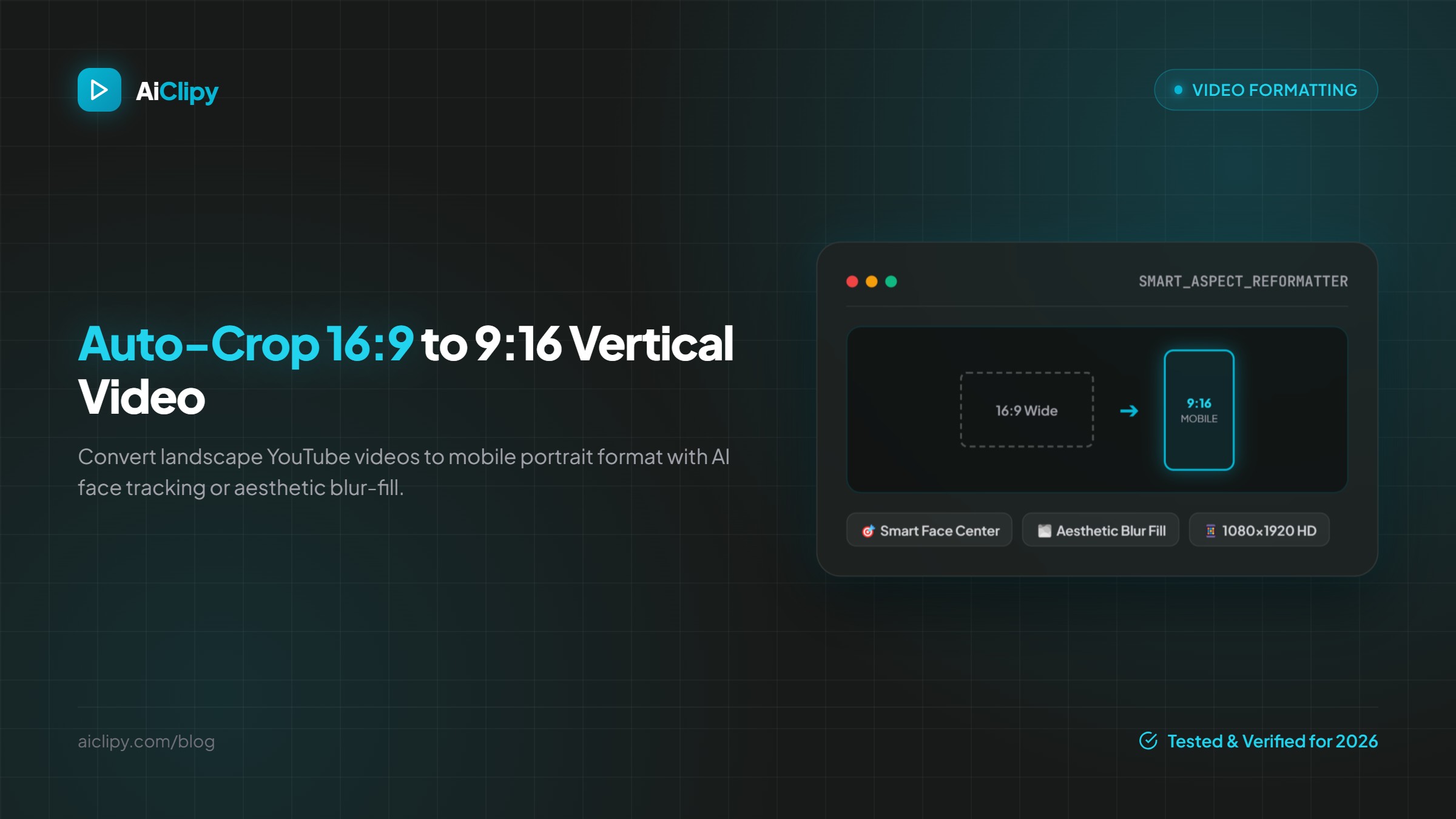
How to Convert 16:9 Video to 9:16 Vertical (Plus 1:1 and 4:5) with Auto-Crop
How to turn a horizontal 16:9 video into a vertical 9:16 video for TikTok, Reels and Shorts without cutting off the speaker, plus when to use 1:1, 4:5, crop or blur fill.
How to Create an SRT File From Any Video (2026)
Create an SRT subtitle file from any video: generate it automatically with AI, export SRT, VTT and 5 other formats, or write one by hand. Plus upload and troubleshooting tips.